All workWeb app
LiveBuilt by NOVA

Cortex
A task manager and calendar that lays everything on your mind out across the week.
The situation
A to-do list tells you what you have to do, but not when you will do it. Tasks pile up without a place in the week, deadlines collide, and the list becomes something to avoid looking at. Cortex treats tasks and time as one thing: everything goes onto a weekly calendar, so the question is never just what is left, but what comes next.
What it does, by who is using it
- A weekly calendar you rearrange by dragging, with warnings before two things clash
- Subtasks, reusable templates and a quick list for the small things
- Weekly goals and a clear count of what is done, pending and overdue
- An app you can install that keeps working without a connection
How it worked before.
Keep scrolling to take out the steps the system now carries.
A task, from a thought to done
By hand today: 6 steps
- A task is added to a long listA task is placed on a day of the week
- It waits for a free momentA time slot is suggested for it
- Two things land on the same hourA warning before you double-book
- A big task sits untouchedIt is split into subtasks, ticked off one by one
- The same weekly chores are typed againSaved as templates, started in one click
- You find out on Friday what slippedThe week's progress is visible every day
What we built
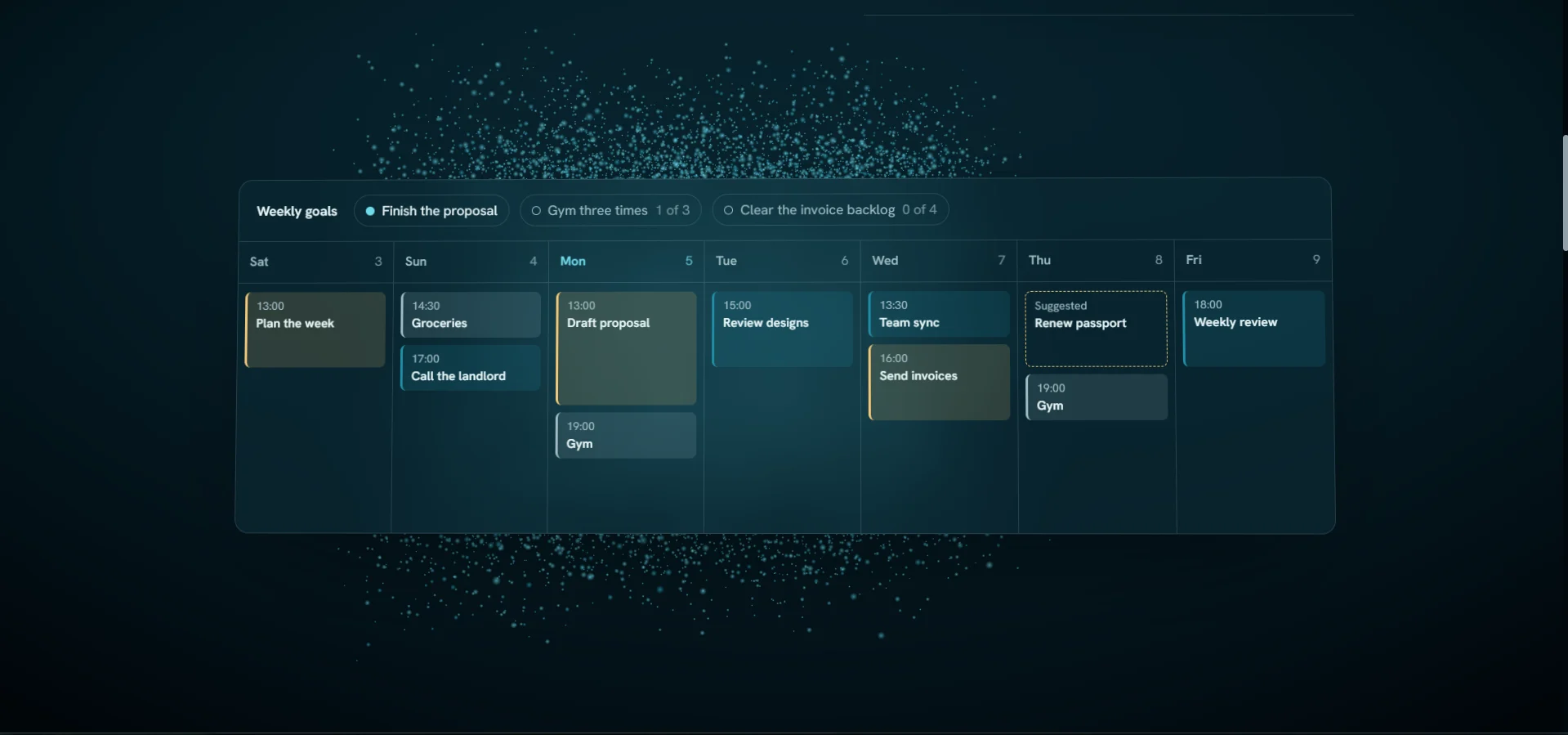
The week: tasks placed on their days, weekly goals along the top, and a suggested slot for a task that has no time yet.
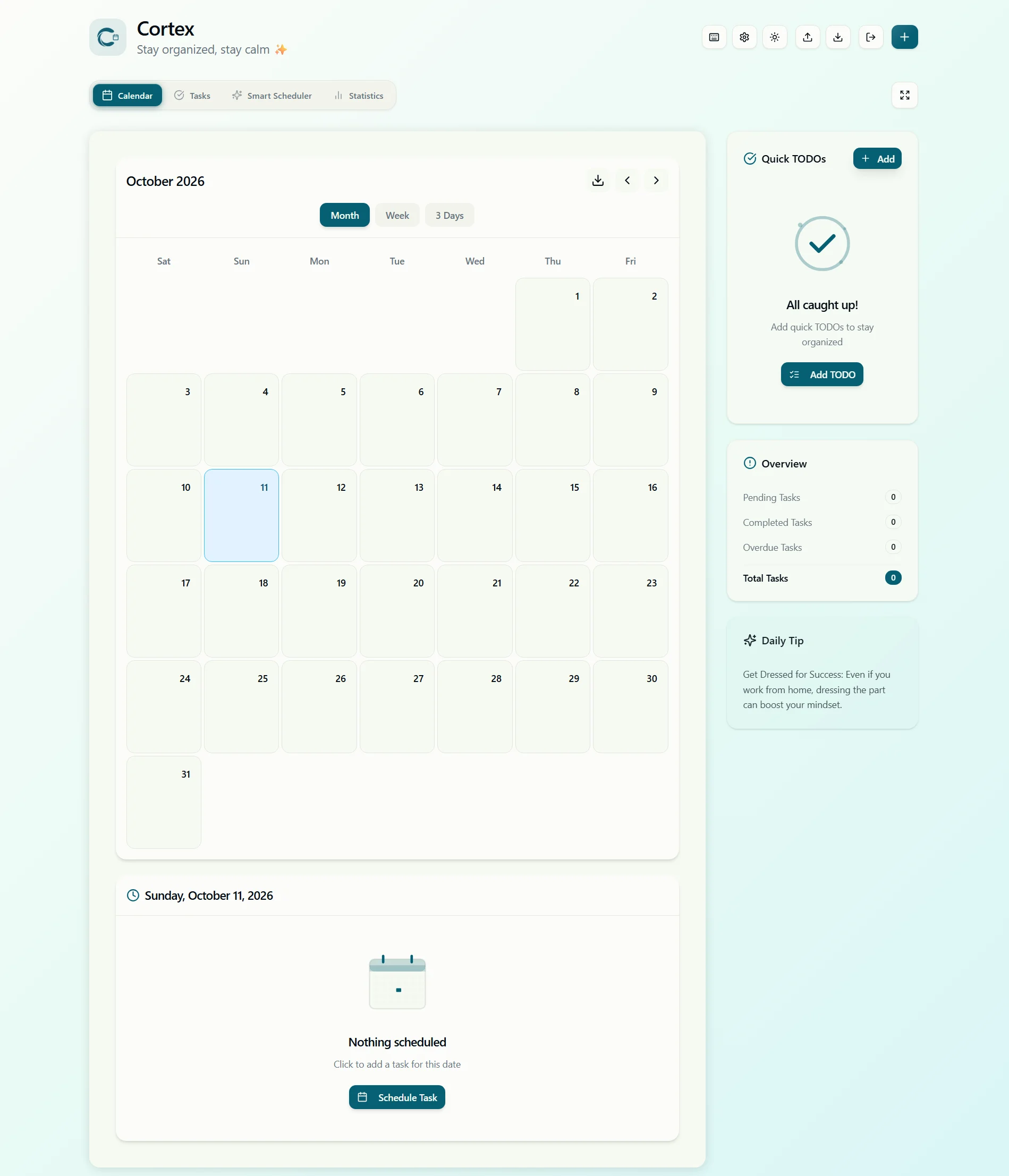
The calendar by month, beside quick to-dos and a count of pending, completed and overdue tasks.
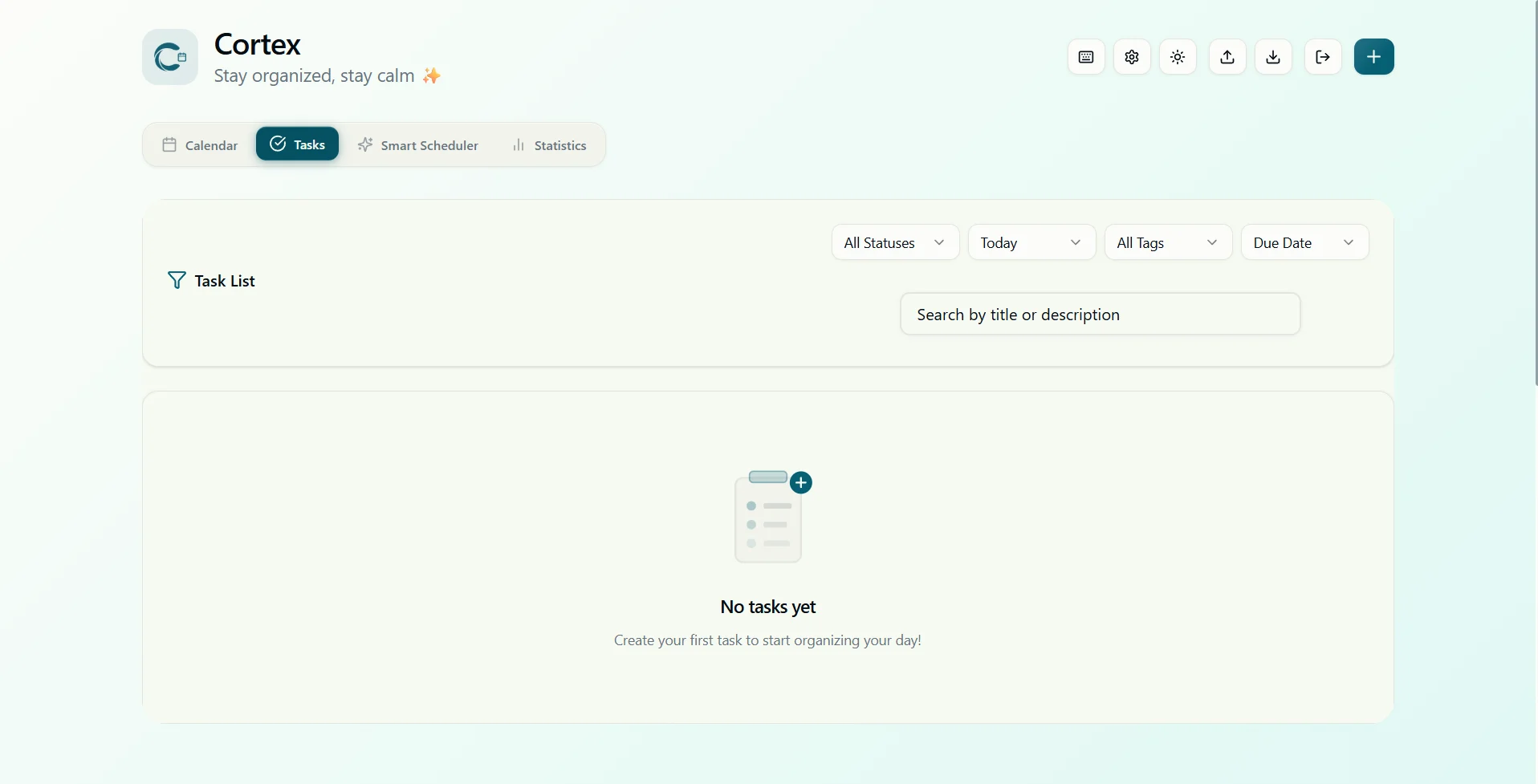
The task list, filtered by status, date and tag.
How it works
Pick a part to see what happens there.
A week you can rearrange
- Tasks are dragged onto the calendar and moved when plans change
- When two tasks overlap, it warns you and points to a better slot
- Overdue and high-priority tasks get a recommended time first
At a glance
- 3
- ways to see your time: month, week and three days
- 7
- days ahead, with how full each one already is
- 1
- account that follows you across your devices